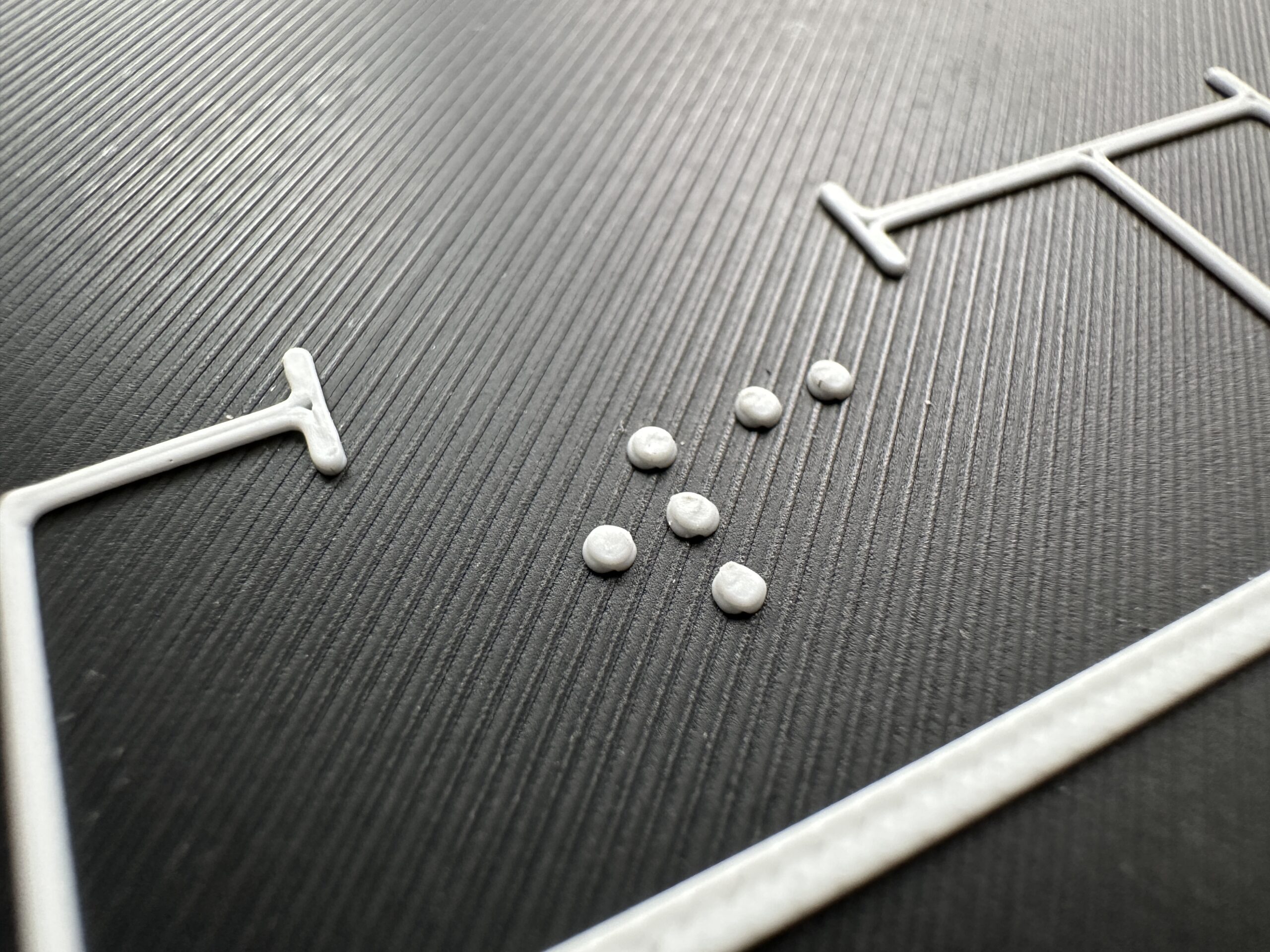
Designing tactile signs for 3D printing
Tactelier is a tool for designing tactile signs and simple orientation maps directly in your browser. You can combine rooms, symbols, text and Braille in a single design and prepare it for printing on your own 3D printer. The goal is to make it as easy as possible to go from an idea to a finished sign.
The idea behind Tactelier
How can we make it easier for people to create tactile information themselves? That’s the question behind Tactelier. The project takes a digital design and turns it into a physical sign that can be read by sight or touch.
What the tool can do
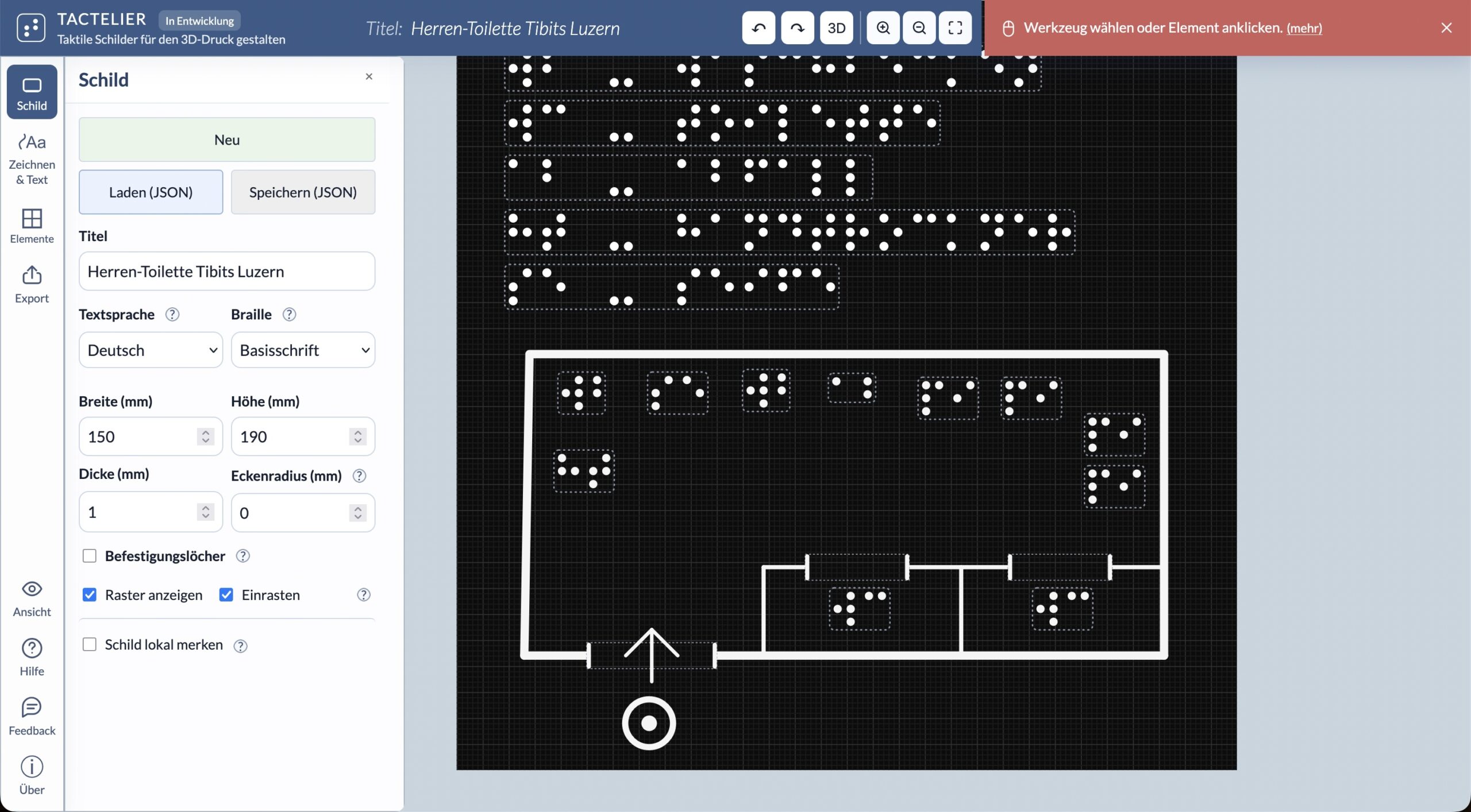
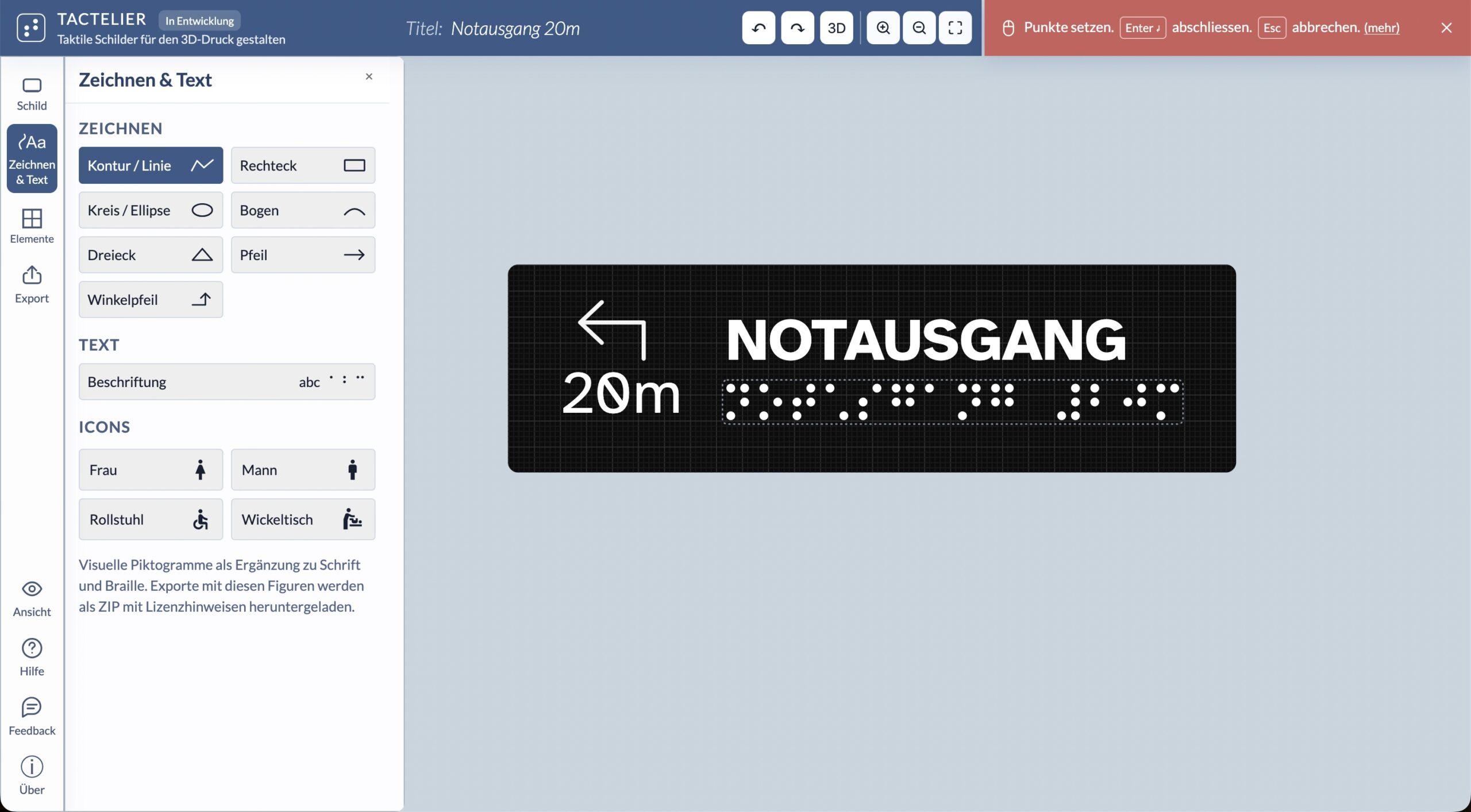
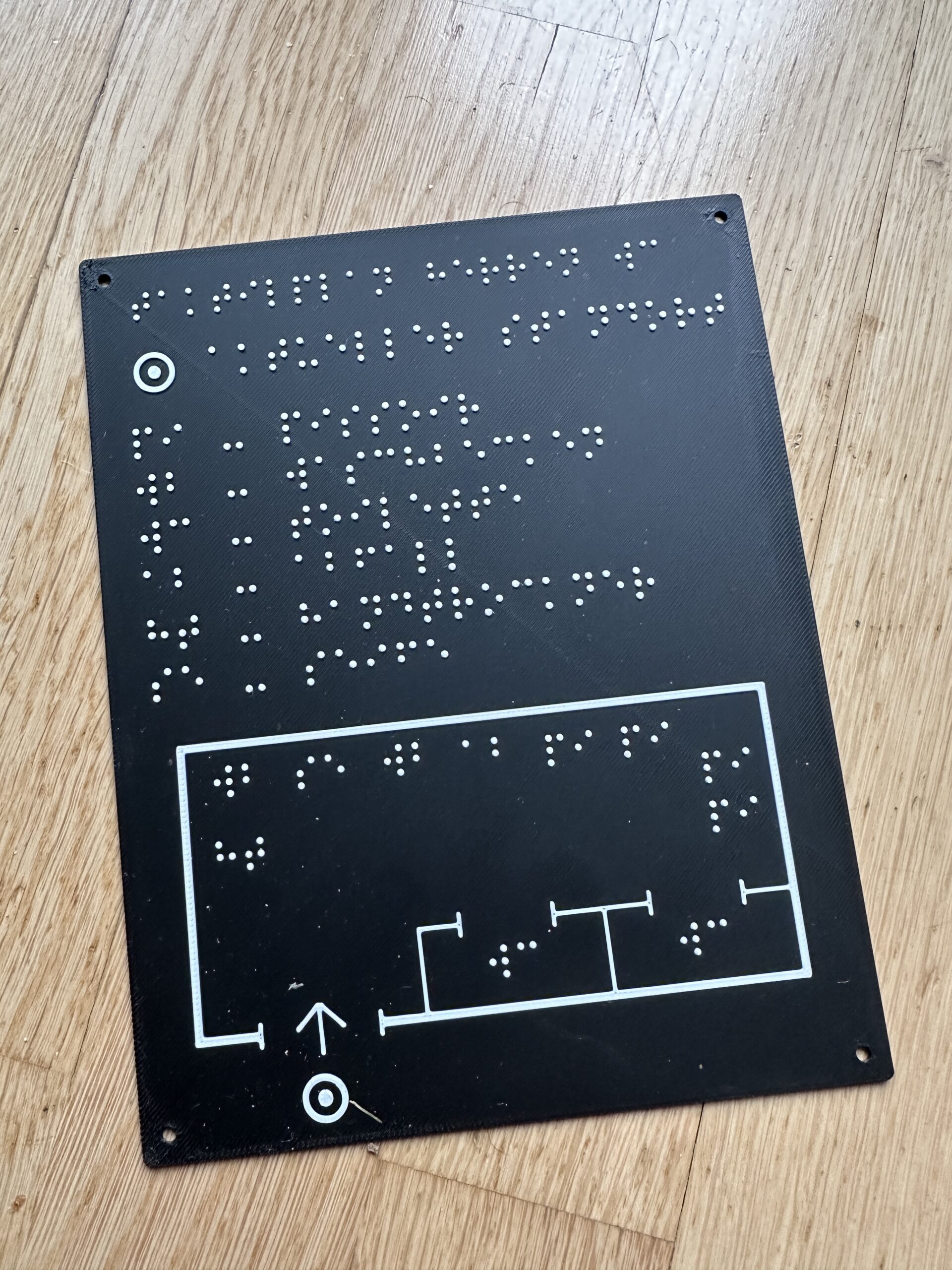
On the canvas, you can draw rooms, add doors and other symbols, and add labels in Braille or text. Available symbols include toilets, washbasins and other facilities. You can also generate a legend for your map automatically.
The 2D view gives you a flat workspace for designing the sign, while the 3D preview shows how it will look in three dimensions. You can save designs, return to edit them later, and export them as SVG files or as STL files for 3D printing.
From screen to touch
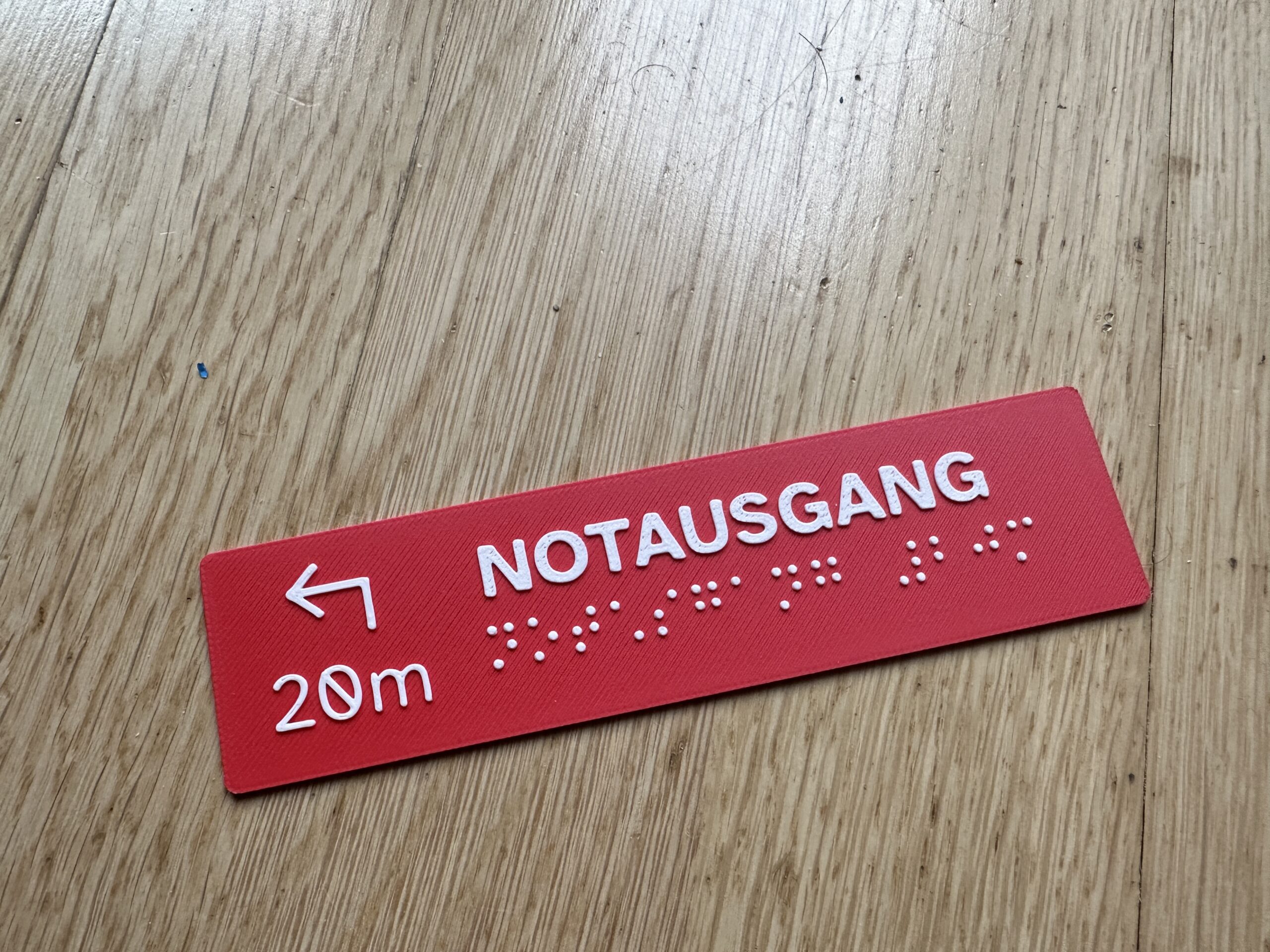
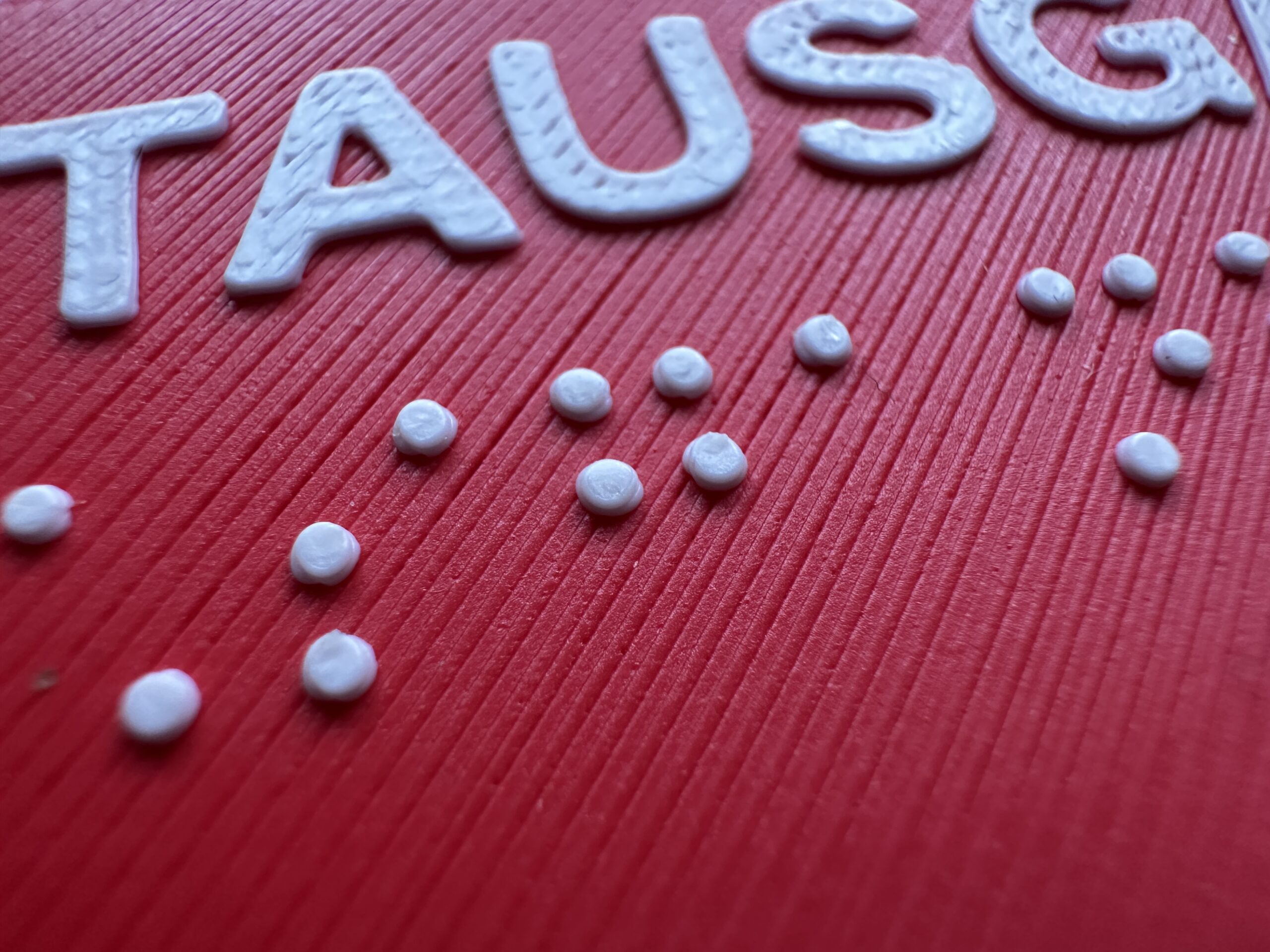
With a suitable 3D printer, you can make your sign at home. Printing it lets you see and feel how the shapes, spacing and labels turn out. Modern 3D printers can produce high-quality results.
Developing Tactelier with AI
I’m developing Tactelier with the help of artificial intelligence (AI). I use it to write code, think through features and refine the interface.
I define the concept and requirements, make the design decisions and assess how well the tool works in practice. Tactelier has taken shape step by step through ideas, my experience with interface design and usability, technical solutions and, above all, testing and making adjustments.
A project still in development
Tactelier continues to evolve. Many core features are already in place, and I keep adding new ones and refining existing ones. The tool draws on established principles and standards for Braille and tactile signage.
My priorities are to keep testing the tool, get usable print results and make the interface easy to understand. I incorporate feedback from blind and partially sighted people into the project. Their experiences and needs help me improve both the design of the signs and the way the tool works.
Try Tactelier
You’re welcome to try Tactelier and send me your feedback by email or through the feedback form. Thank you!
https://tactelier.sonnenschauer.net
Images